Set up Alongrail Desk with one of your own help articles
Start a free trial desk and turn one of your own help articles into a draft workflow.
Would you like to be walked through this on your own screen? You’ll be guided one step at a time, and you do every click yourself.
It needs Chrome or Edge on a computer.
This guided help needs a computer. You’re welcome to open this page on one.
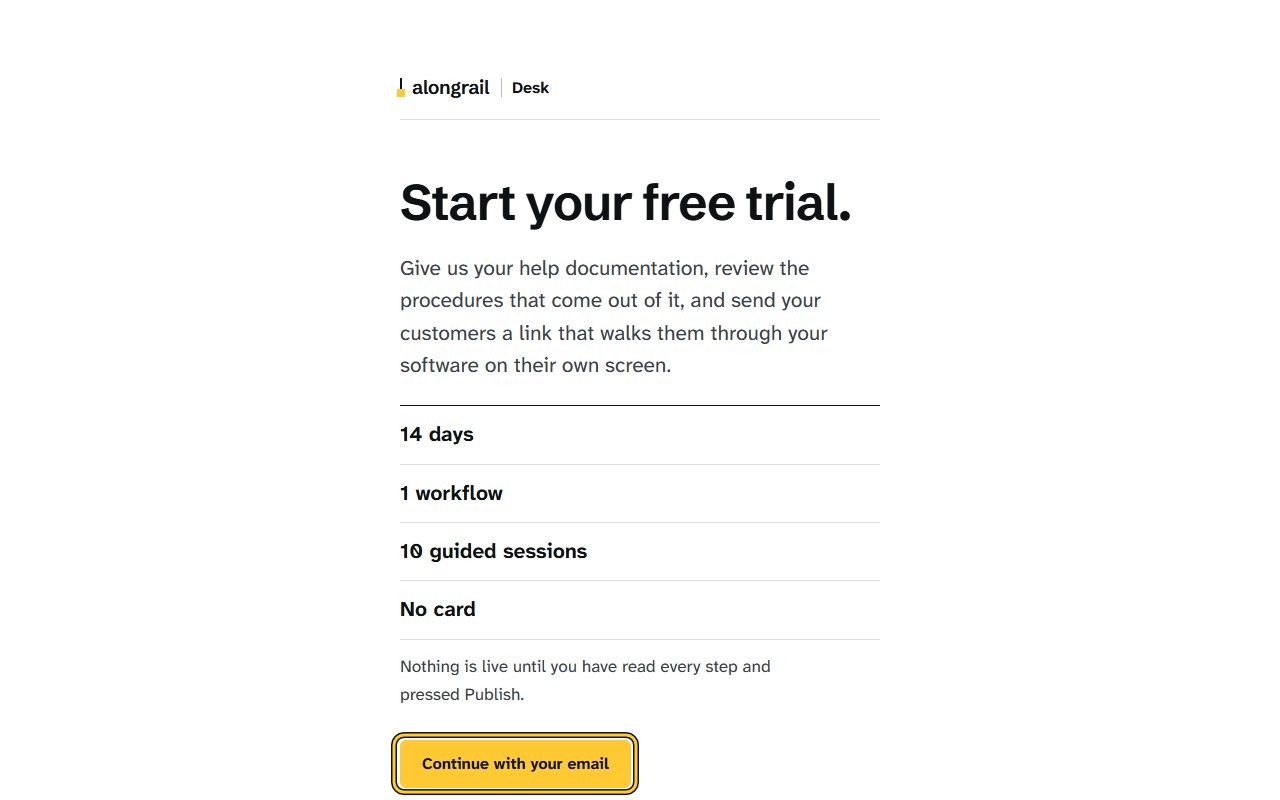
Click “Continue with your email”. The “Sign in to Alongrail” page opens, asking for an email address.
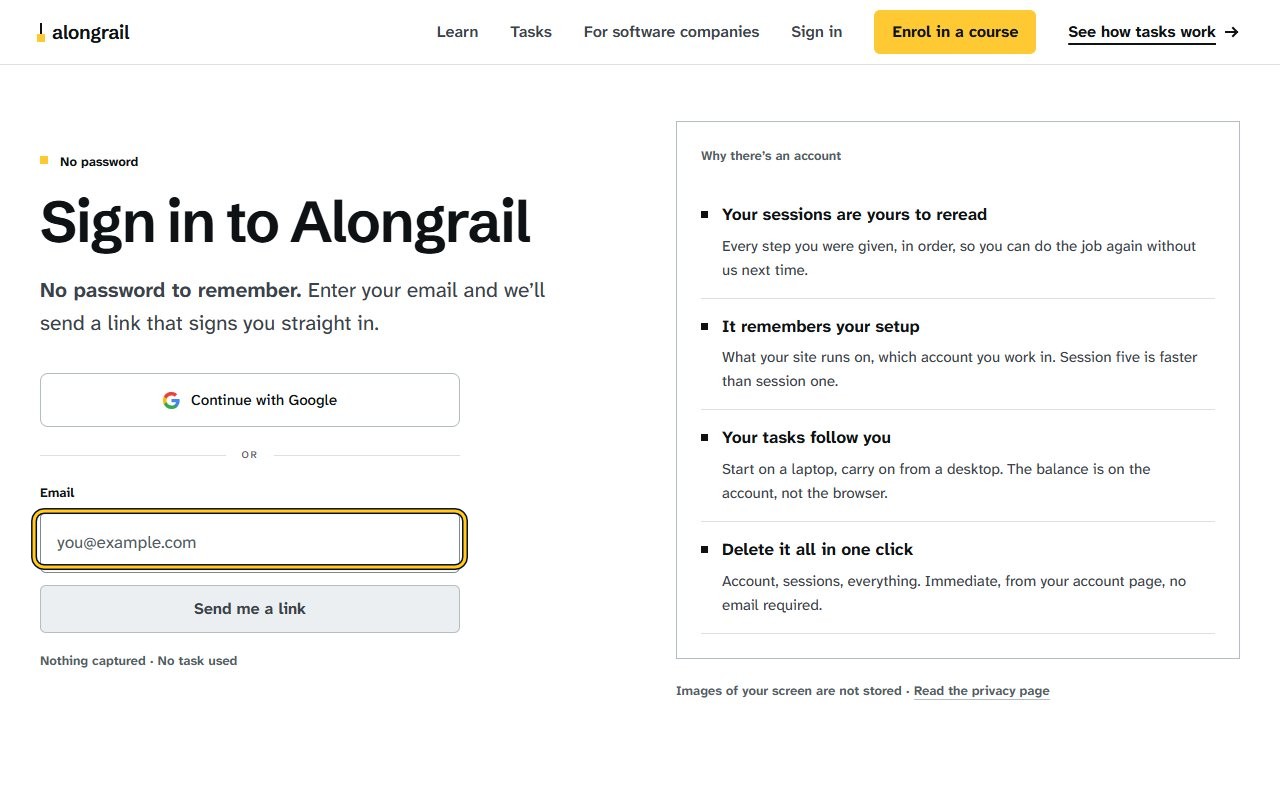
Enter your email address in the Email field. The Send me a link button becomes active.
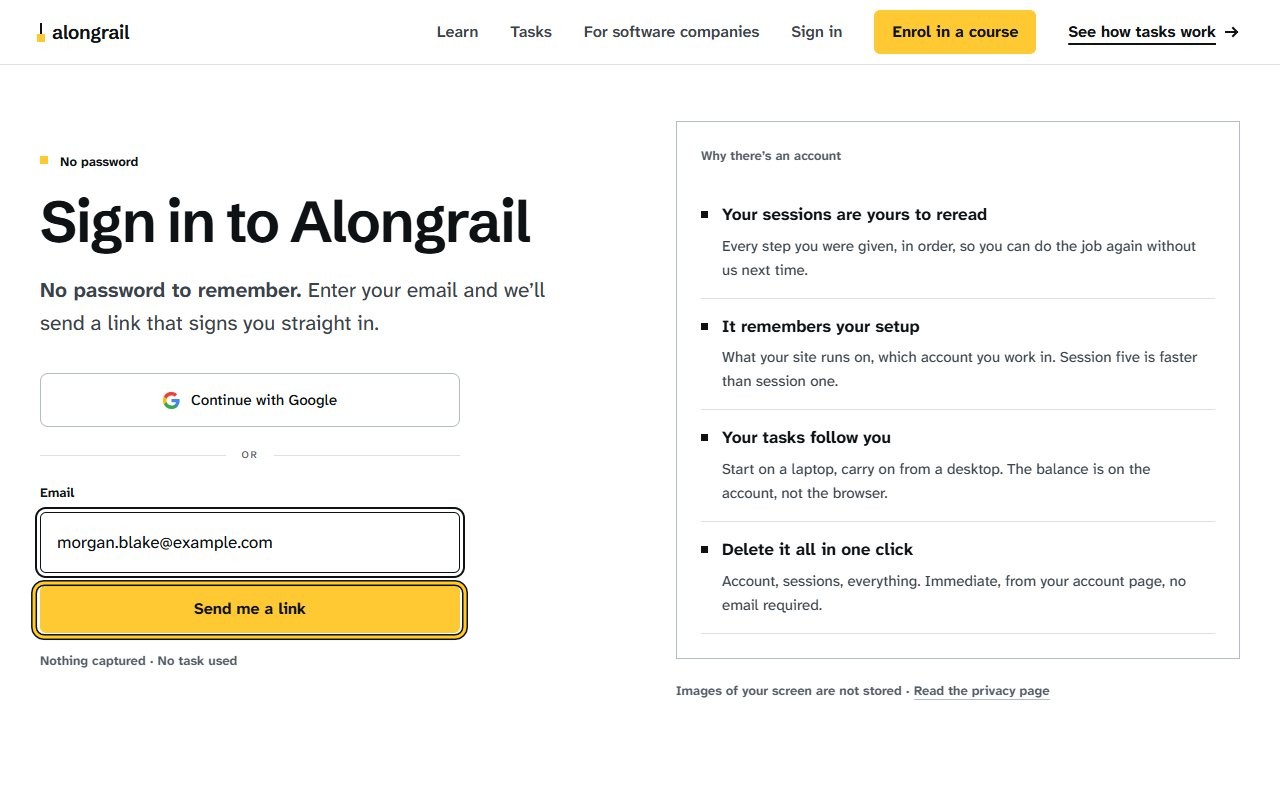
Click “Send me a link”. A “Check your email” message appears, with a code field to sign in instead.
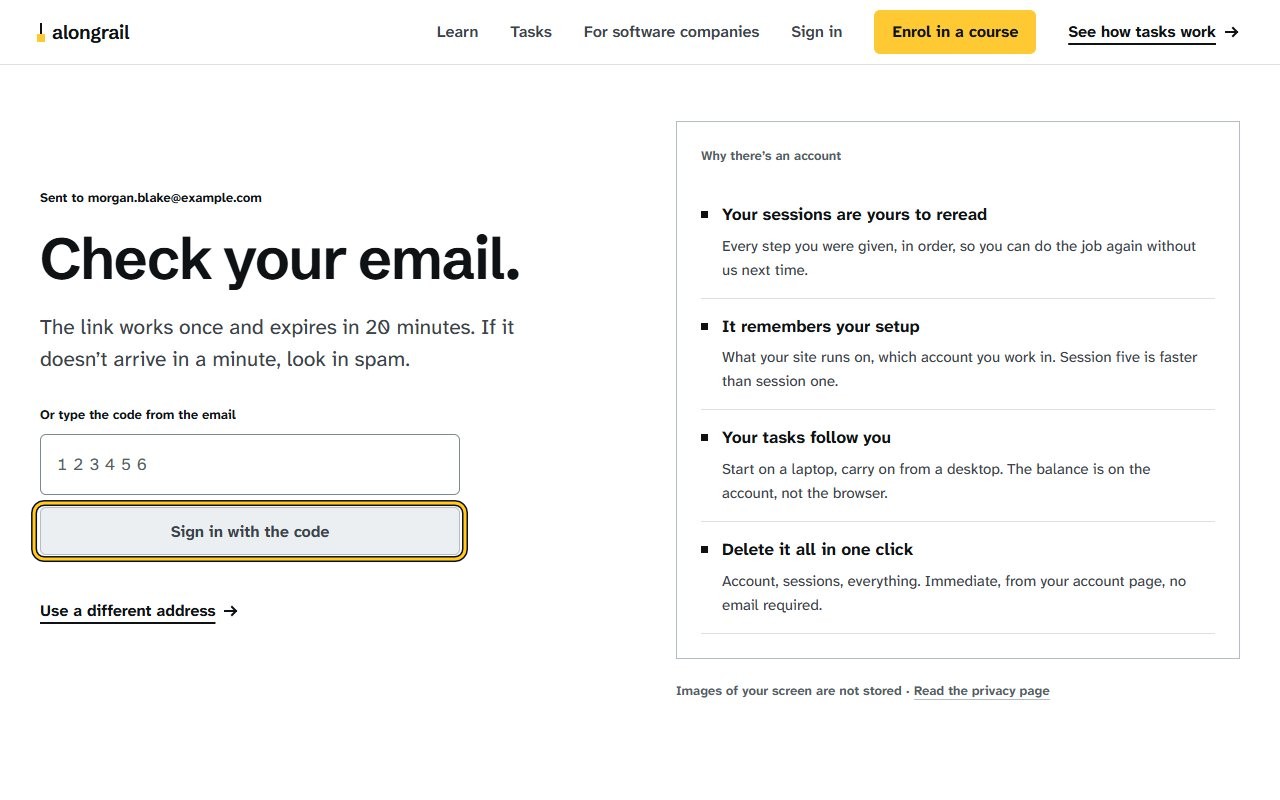
Open the sign-in link from the email, or type the six-digit code from the email and click “Sign in with the code”. A sign-in confirmation page opens, prompting you to press Continue to finish signing in.
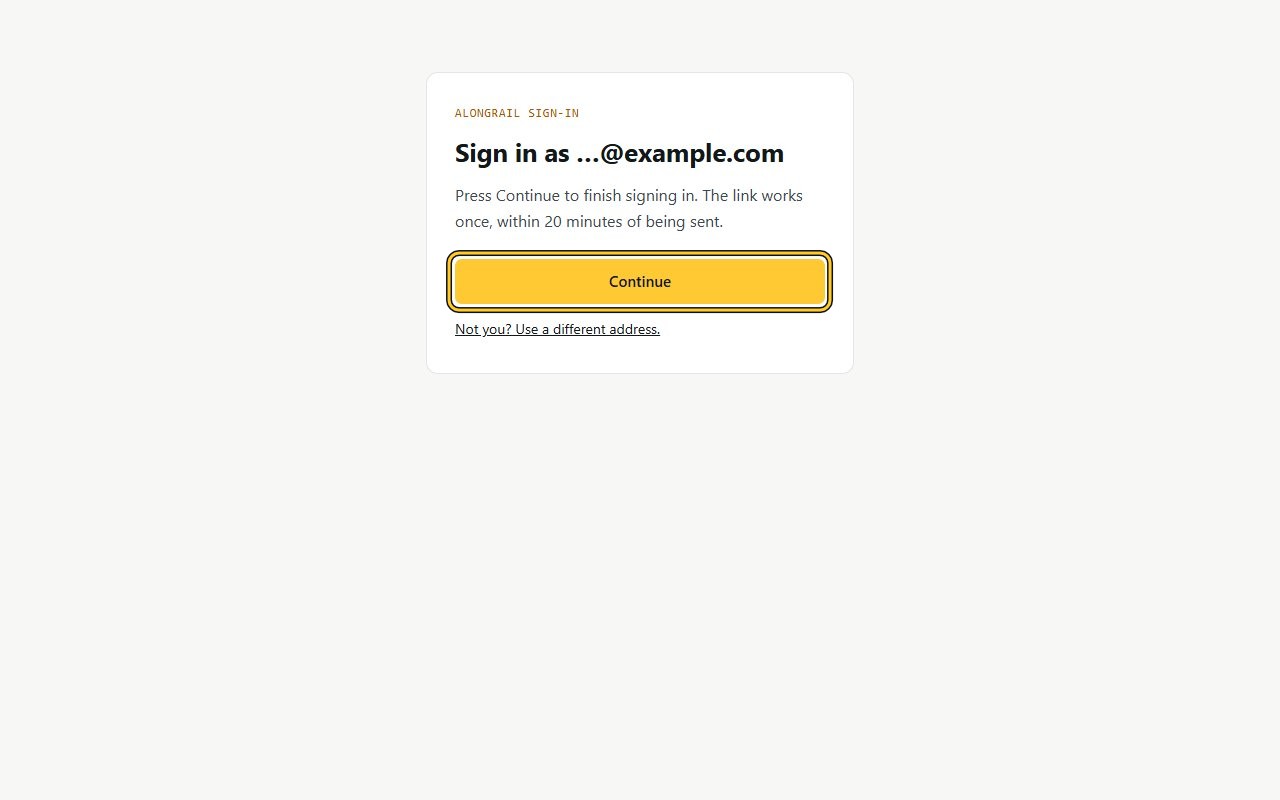
Click Continue. A page showing the free trial details and a “Start my desk” button appears.
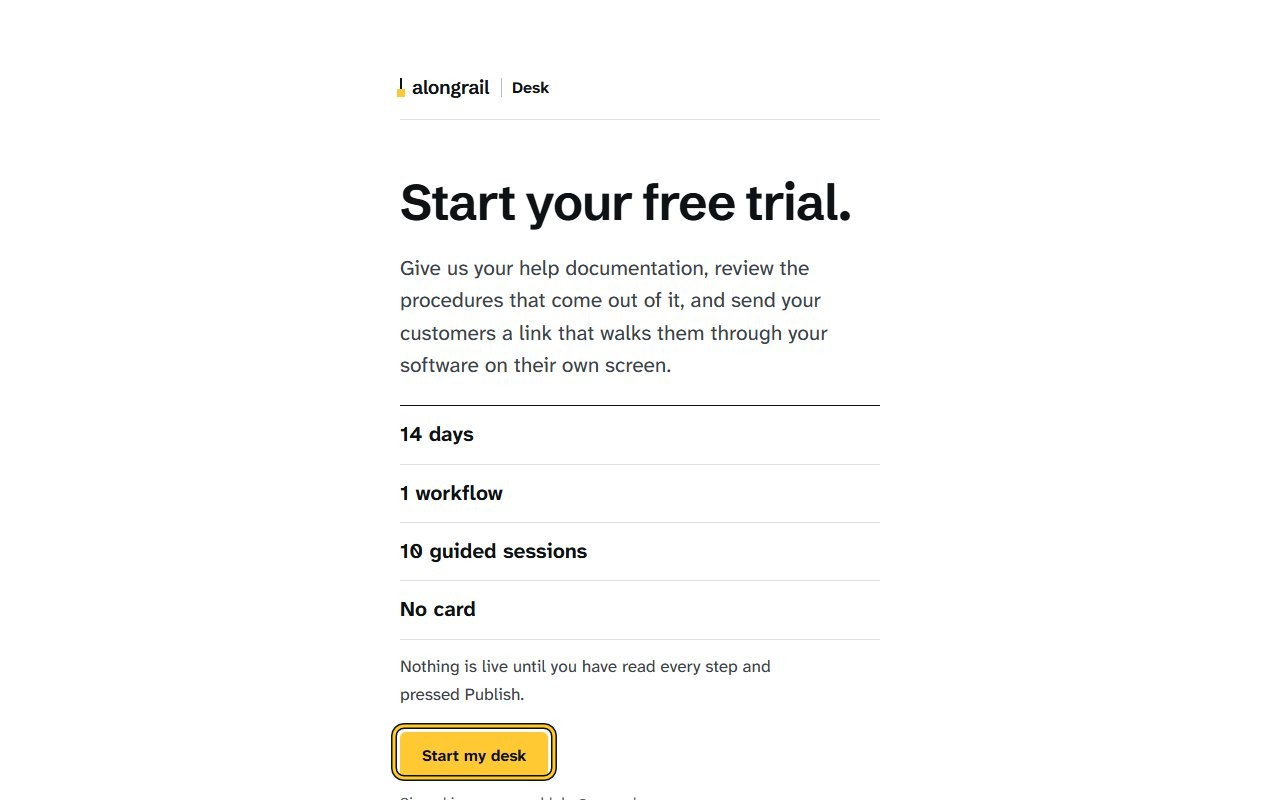
Click “Start my desk”. The Your material page opens, with options to upload a file, paste a help-centre address, or paste text.
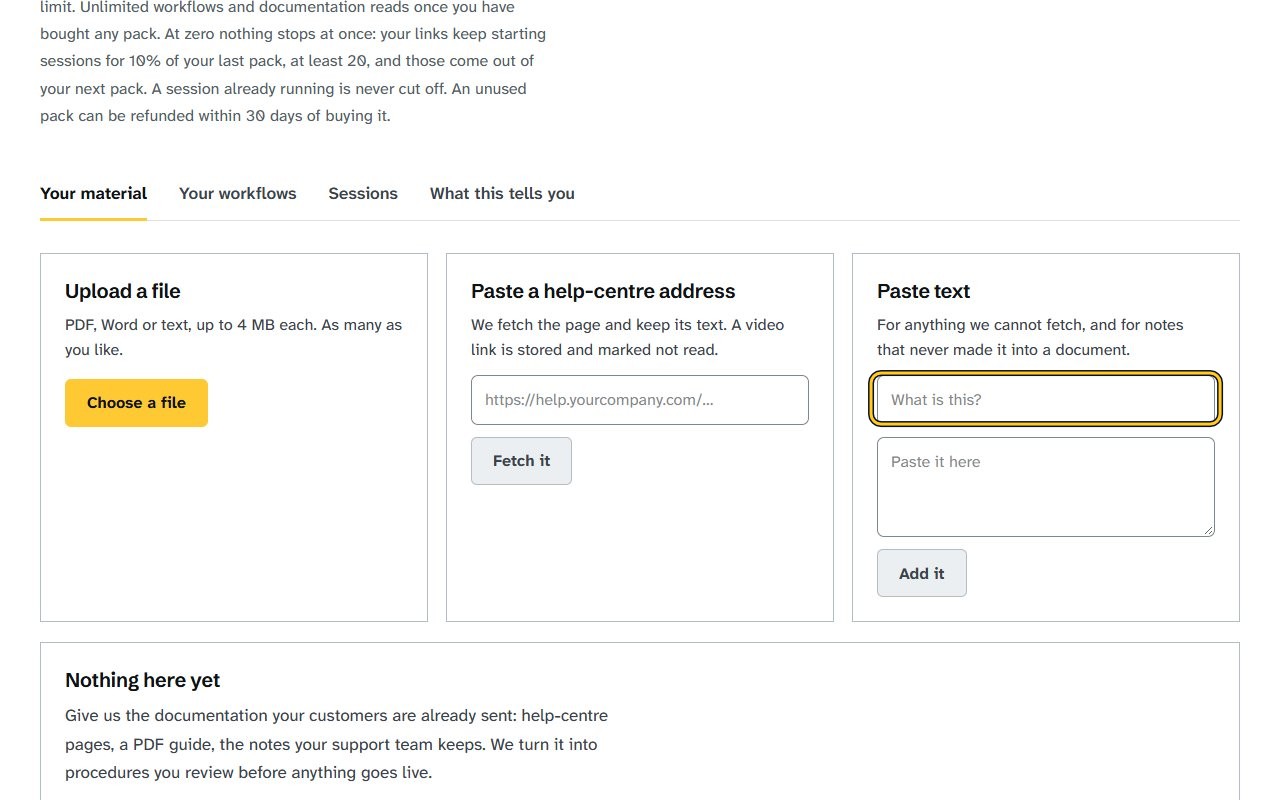
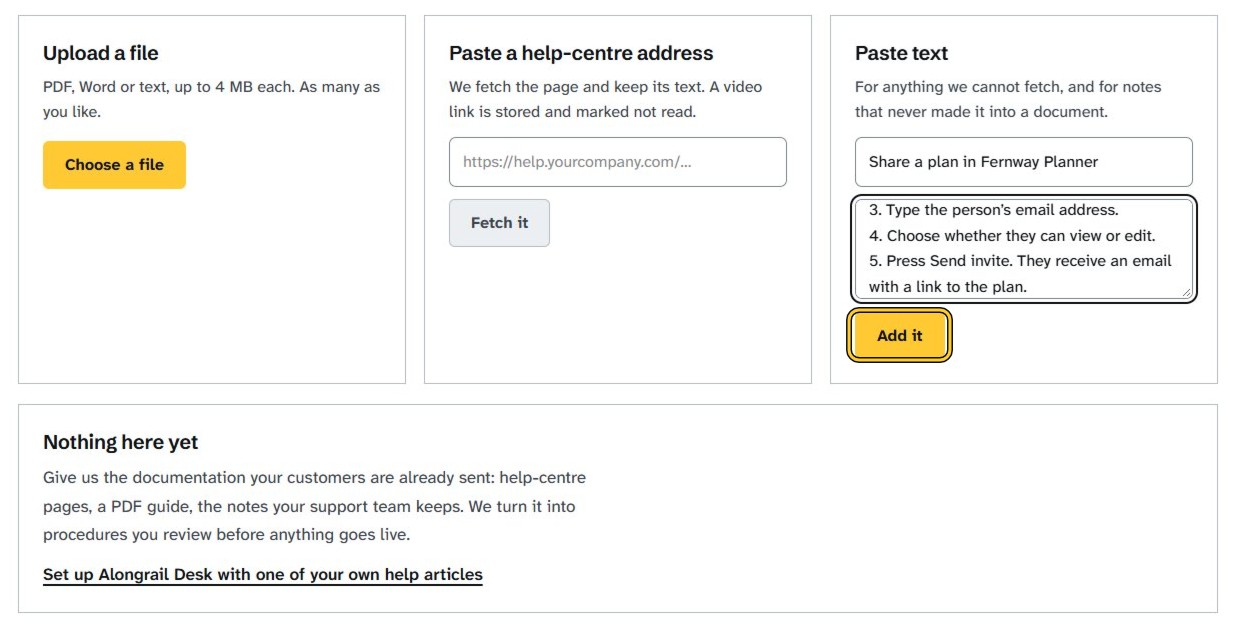
Click the “What is this?” field under Paste text and type a title. The title field shows the text you typed.
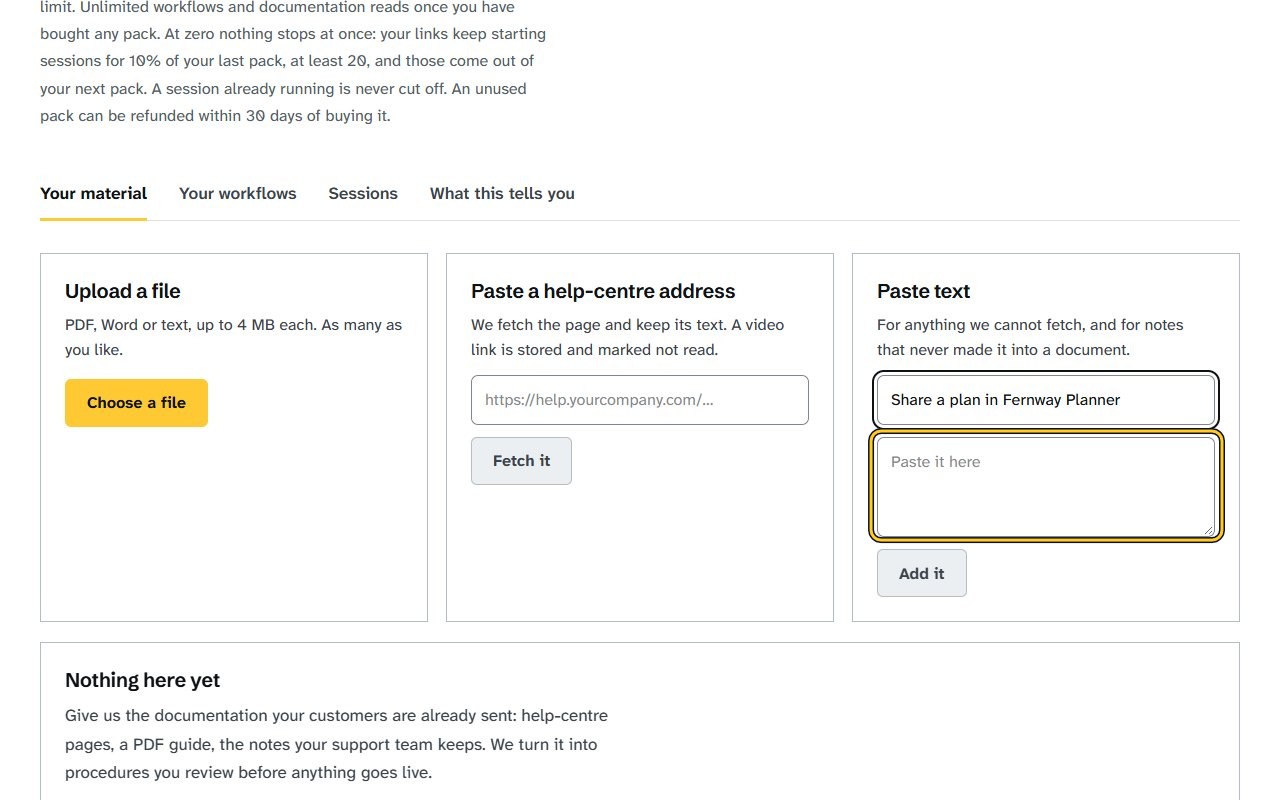
Click the “Paste it here” field under Paste text and paste your help article’s text. The field shows the text you pasted.
Click “Add it” under Paste text. Your article is listed under your documents.
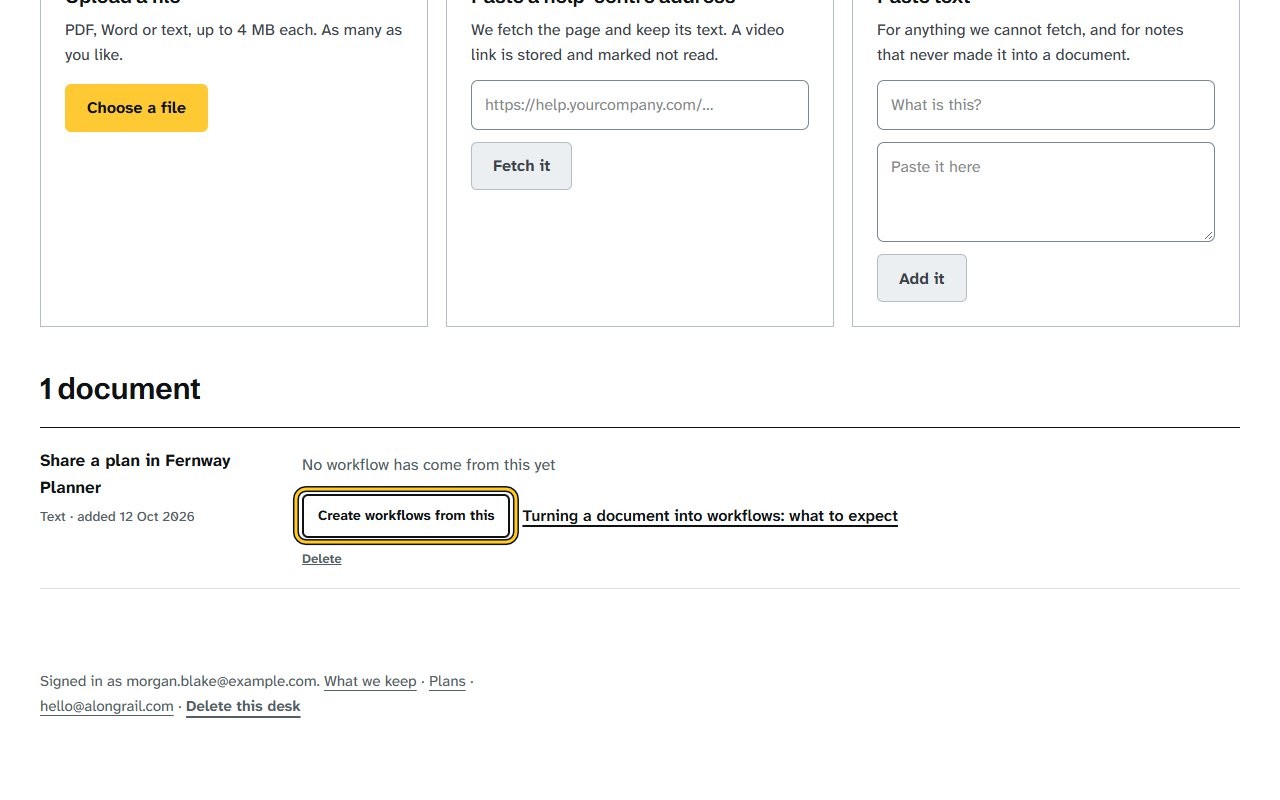
Click “Create workflows from this” under the document, and wait a minute or two while Desk reads it. A box says your draft is ready to review under Your workflows.
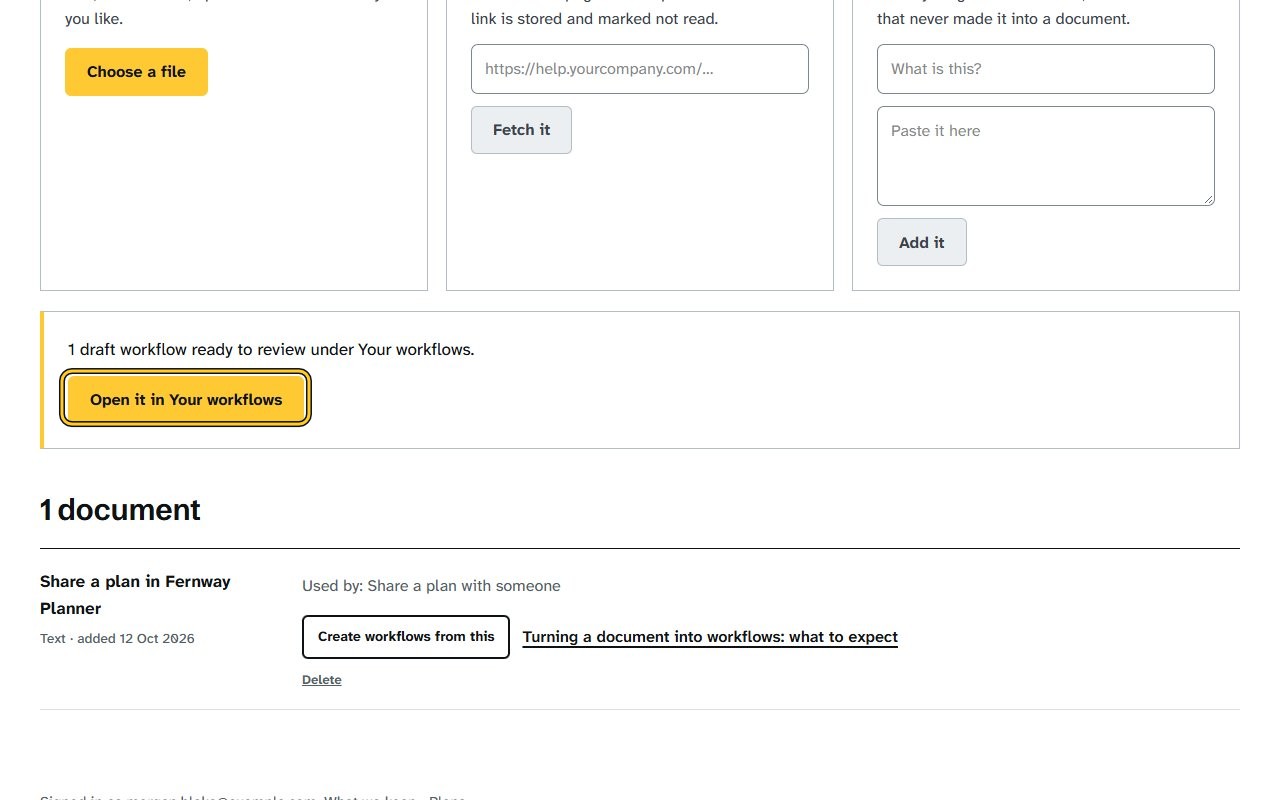
Click “Open it in Your workflows” in the box that says the draft is ready. Your workflows opens, with your draft and its steps showing.
If your screen looks different
Screens change from time to time, and yours may not match these pictures exactly.
Would you like to be walked through this on your own screen? You’ll be guided one step at a time, and you do every click yourself.
It needs Chrome or Edge on a computer.
This guided help needs a computer. You’re welcome to open this page on one.
Related
Write to us
If something here doesn’t match what you see, please write to hello@alongrail.com. A person reads every message.