Enrol in a course
Enrol in a course for free and open its first session, on a laptop or desktop with Chrome or Edge.
Would you like to be walked through this on your own screen? You’ll be guided one step at a time, and you do every click yourself.
It needs Chrome or Edge on a computer.
This guided help needs a computer. You’re welcome to open this page on one.
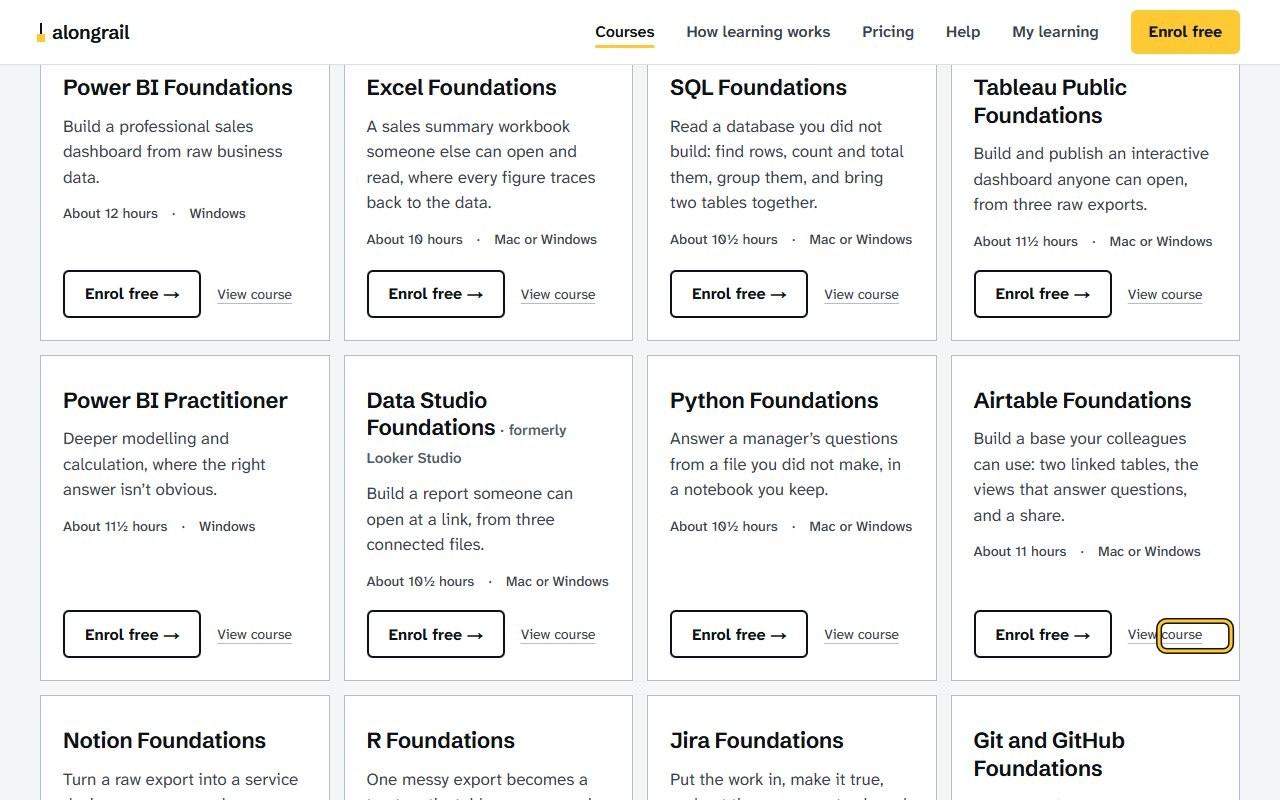
Click “View course” under the course you want, for example Airtable Foundations. The course page opens, showing what you’ll end up with.
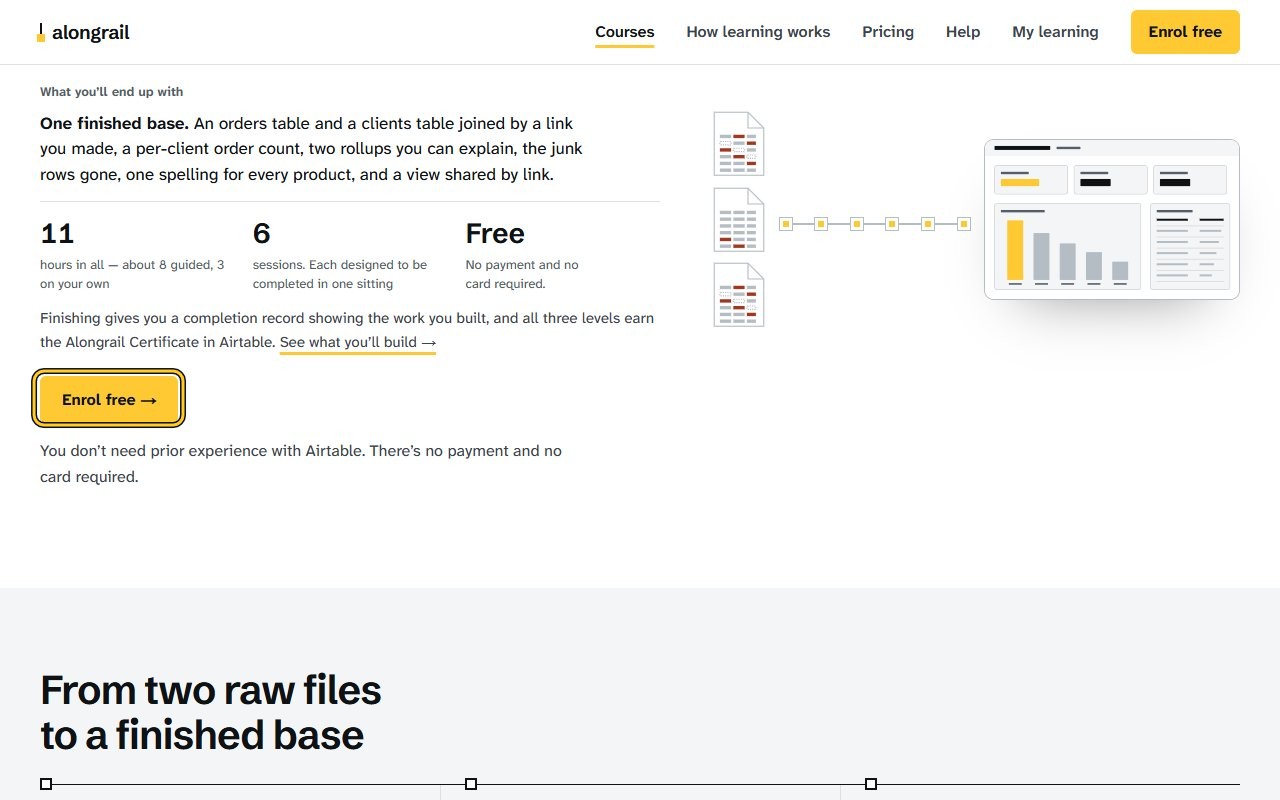
Click the Enrol free button. A page opens asking you to confirm you’ll use Chrome or Edge on a laptop or desktop.
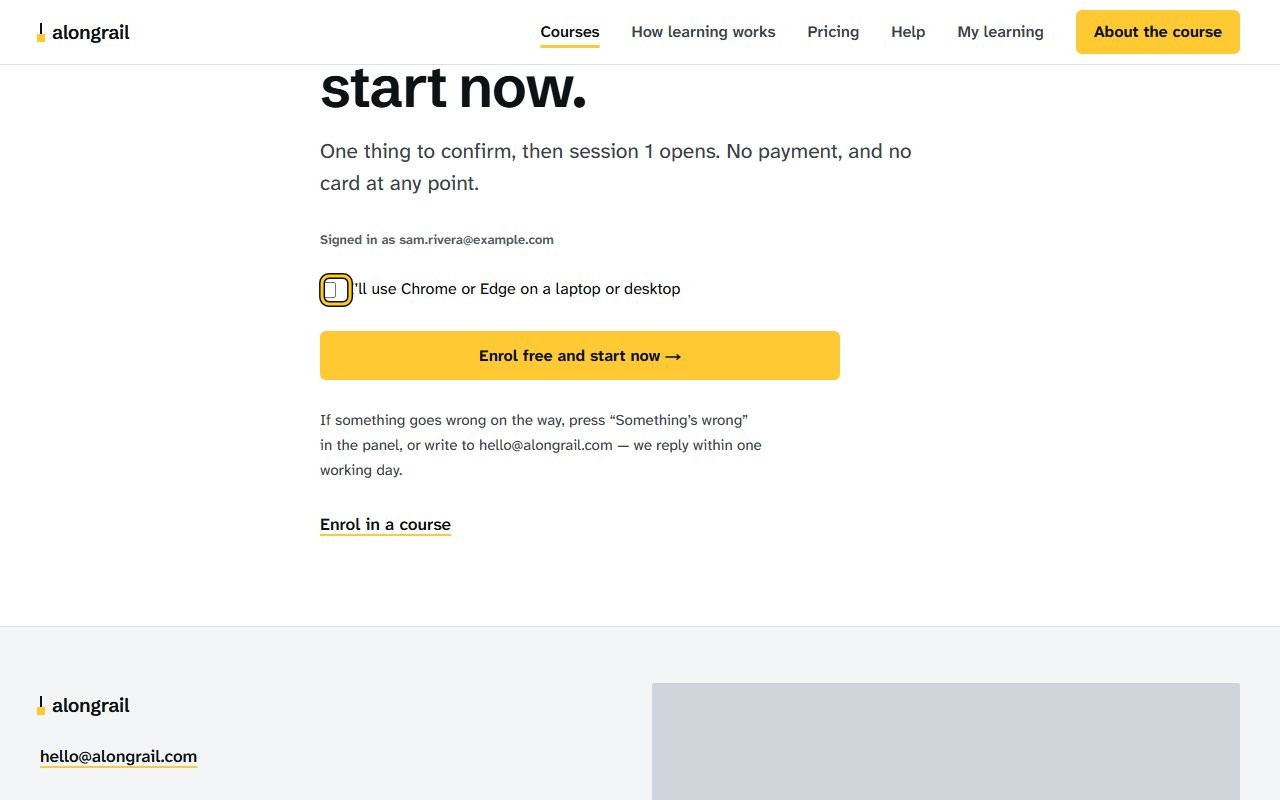
Check the “I’ll use Chrome or Edge on a laptop or desktop” checkbox.
The checkbox is checked.
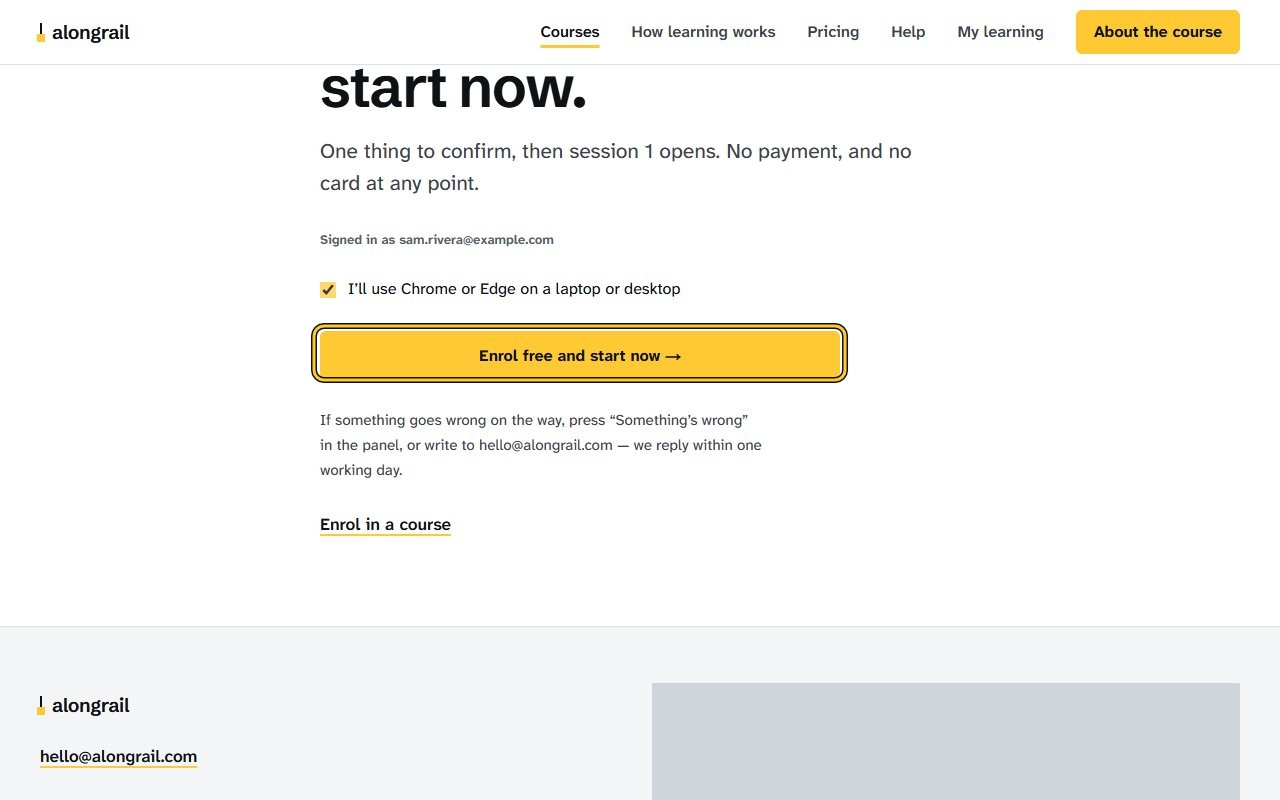
Click the “Enrol free and start now” button. Session 1 of the course opens, ready to start.
If your screen looks different
Screens change from time to time, and yours may not match these pictures exactly.
Would you like to be walked through this on your own screen? You’ll be guided one step at a time, and you do every click yourself.
It needs Chrome or Edge on a computer.
This guided help needs a computer. You’re welcome to open this page on one.
Write to us
If something here doesn’t match what you see, please write to hello@alongrail.com. A person reads every message.