What your customer sees
What your customer sees, from opening your link to the end of their session.
The link opens a start screen
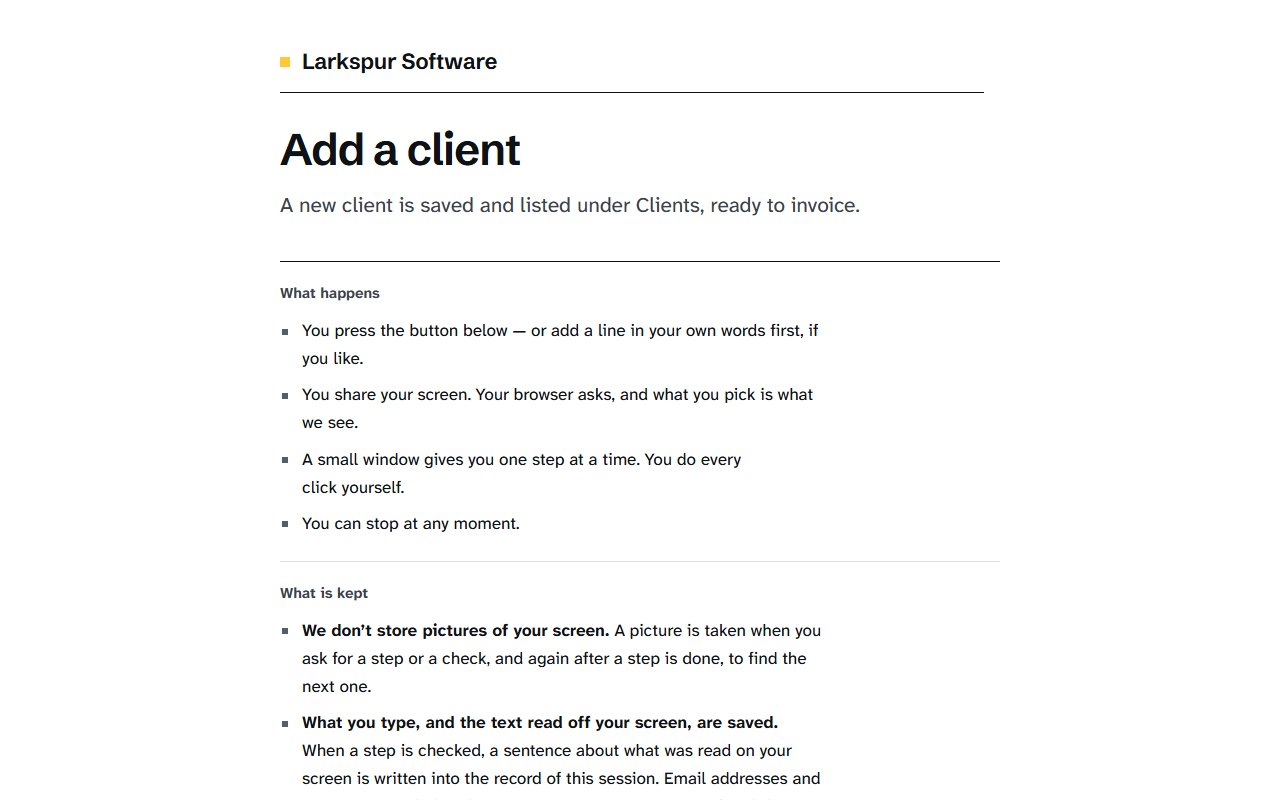
Your link opens a page with your organisation’s name, the workflow’s title and its one line. Before anything is shared, it says what happens and what is kept.
What they are asked to share
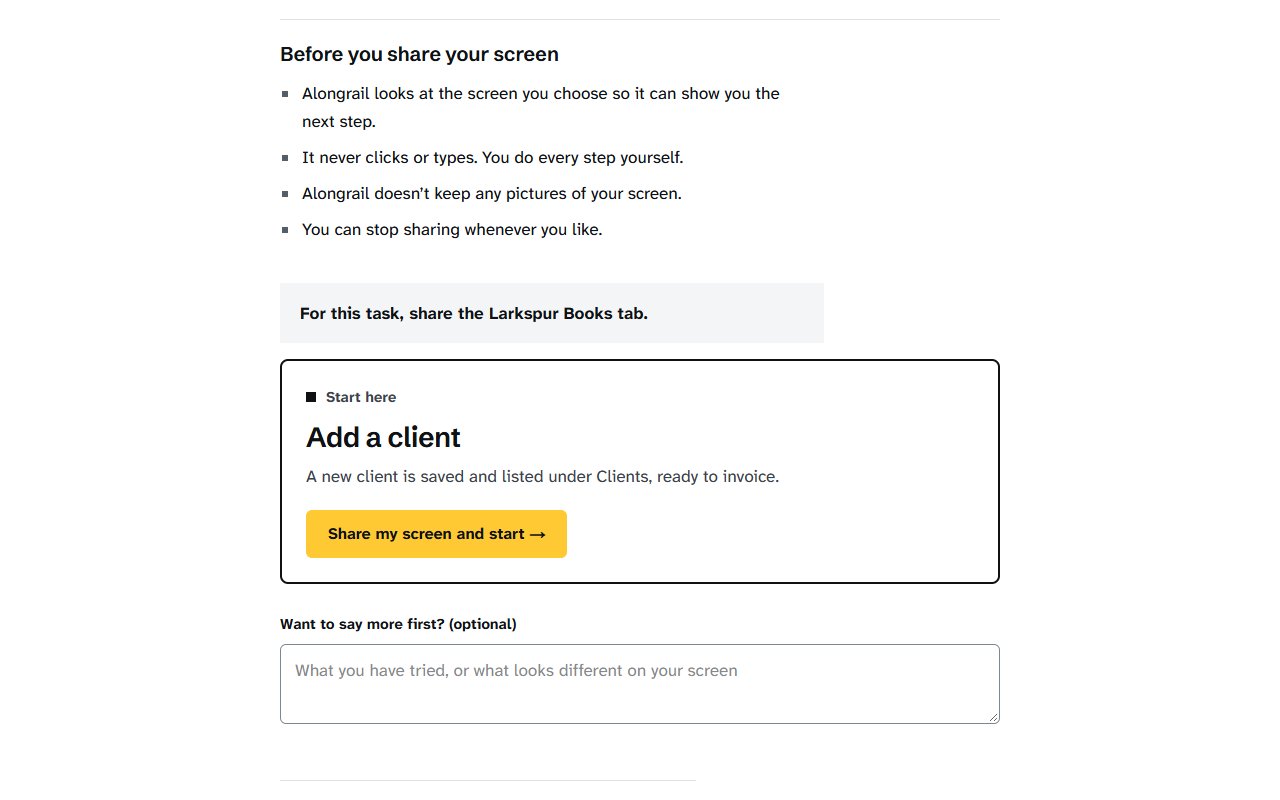
Under “Before you share your screen”, the page says what to share for this task, as you chose it for the workflow, for example “For this task, share the Larkspur Books tab.” They can add a line in their own words first, then press “Share my screen and start →”. Their browser then shows its own list of tabs, windows and screens, and what they pick is what is seen.
The steps window
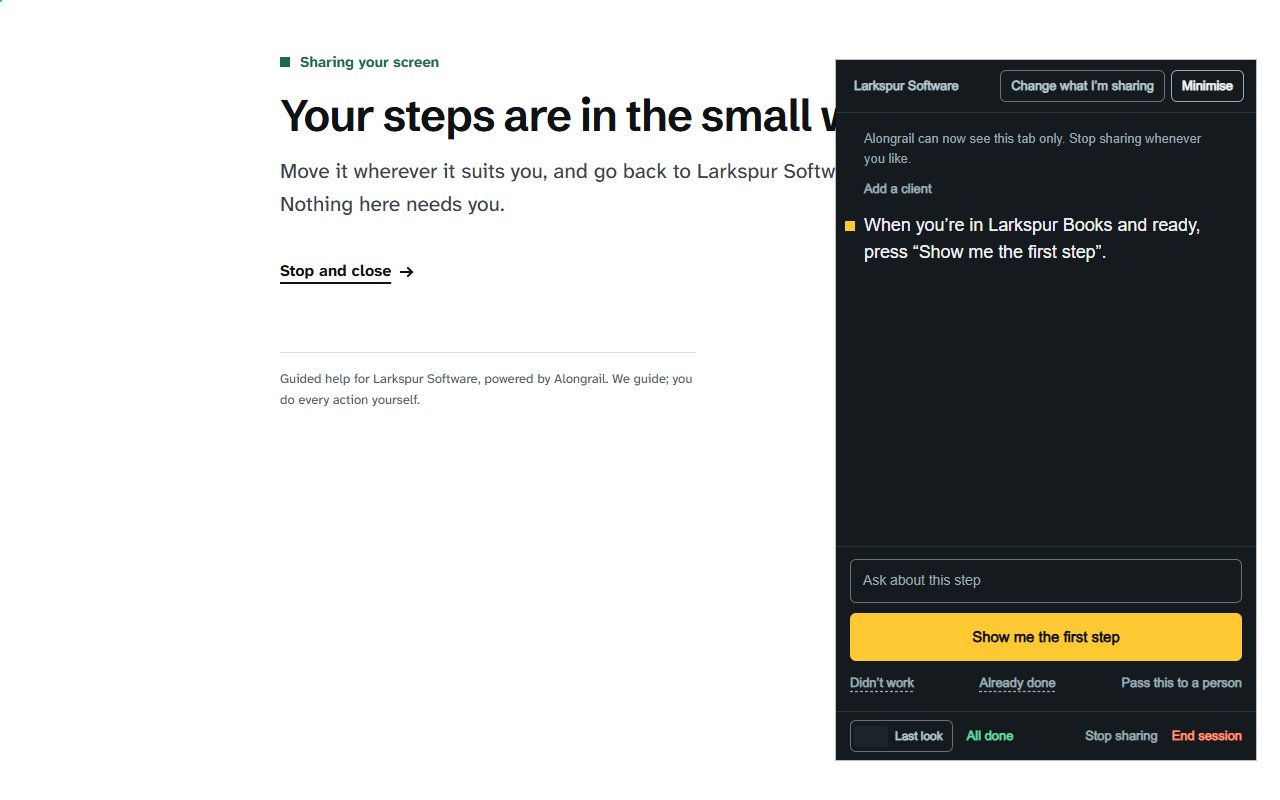
A small window opens over their screen and gives one step at a time. They press “Show me the first step” and do each step themselves. They can ask about a step, say it didn’t work, or pass the session to a person, and they can stop sharing whenever they like.
The end
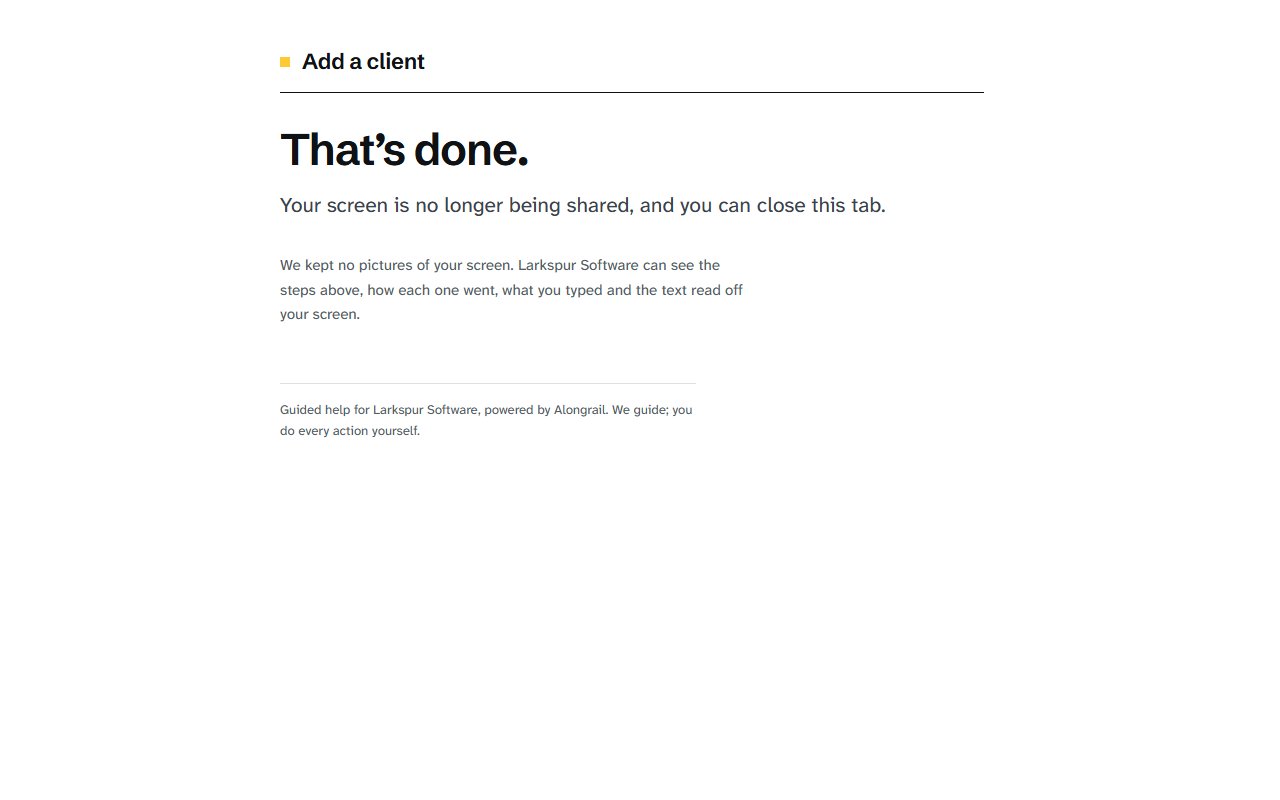
When they finish, the page says “That’s done.”, sharing stops, and they can close the tab. If they stop partway, it says they can open the link again whenever they want to carry on. Nothing asks them for an account.
Related
Write to us
If something here doesn’t match what you see, please write to hello@alongrail.com. A person reads every message.