Choose what customers are told to share
Choose whether customers are asked to share a tab, a window or their entire screen.
Would you like to be walked through this on your own screen? You’ll be guided one step at a time, and you do every click yourself.
It needs Chrome or Edge on a computer.
This guided help needs a computer. You’re welcome to open this page on one.
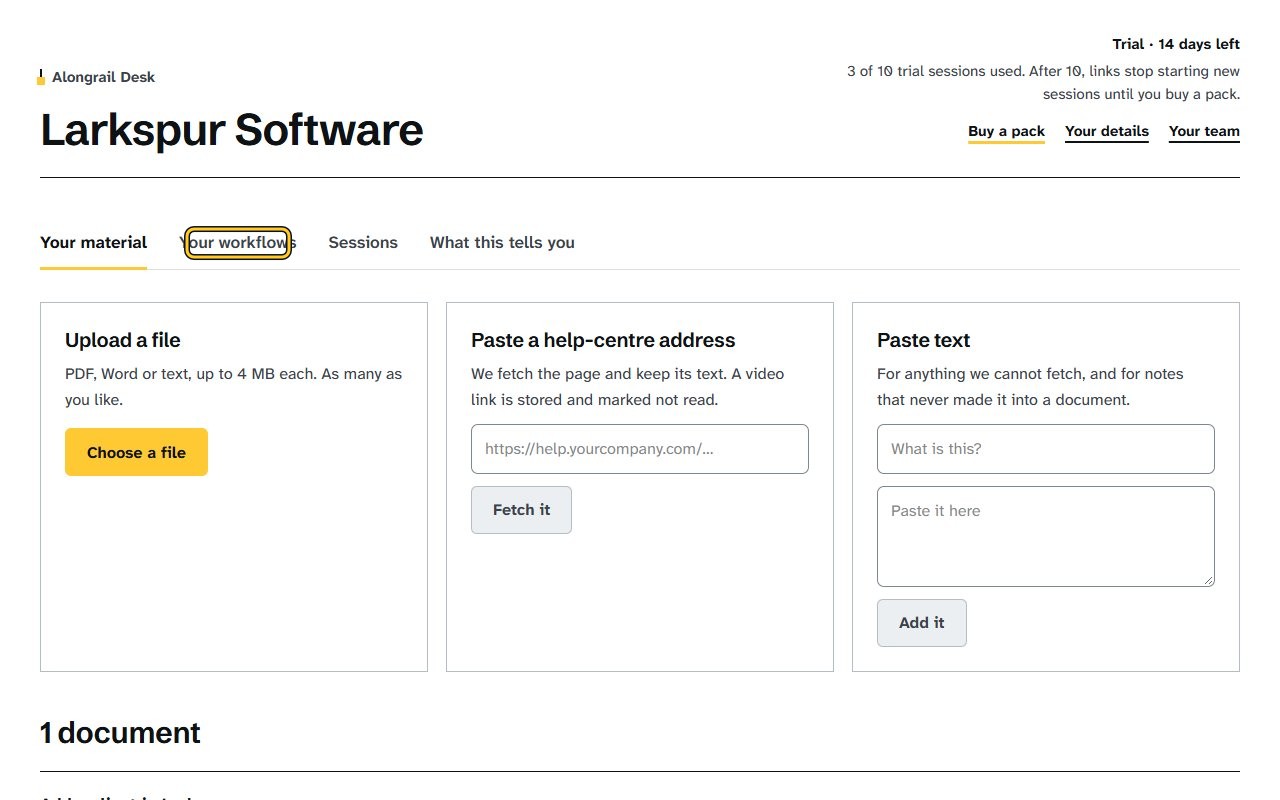
Click “Your workflows”; each workflow shows what its customers are told to share.
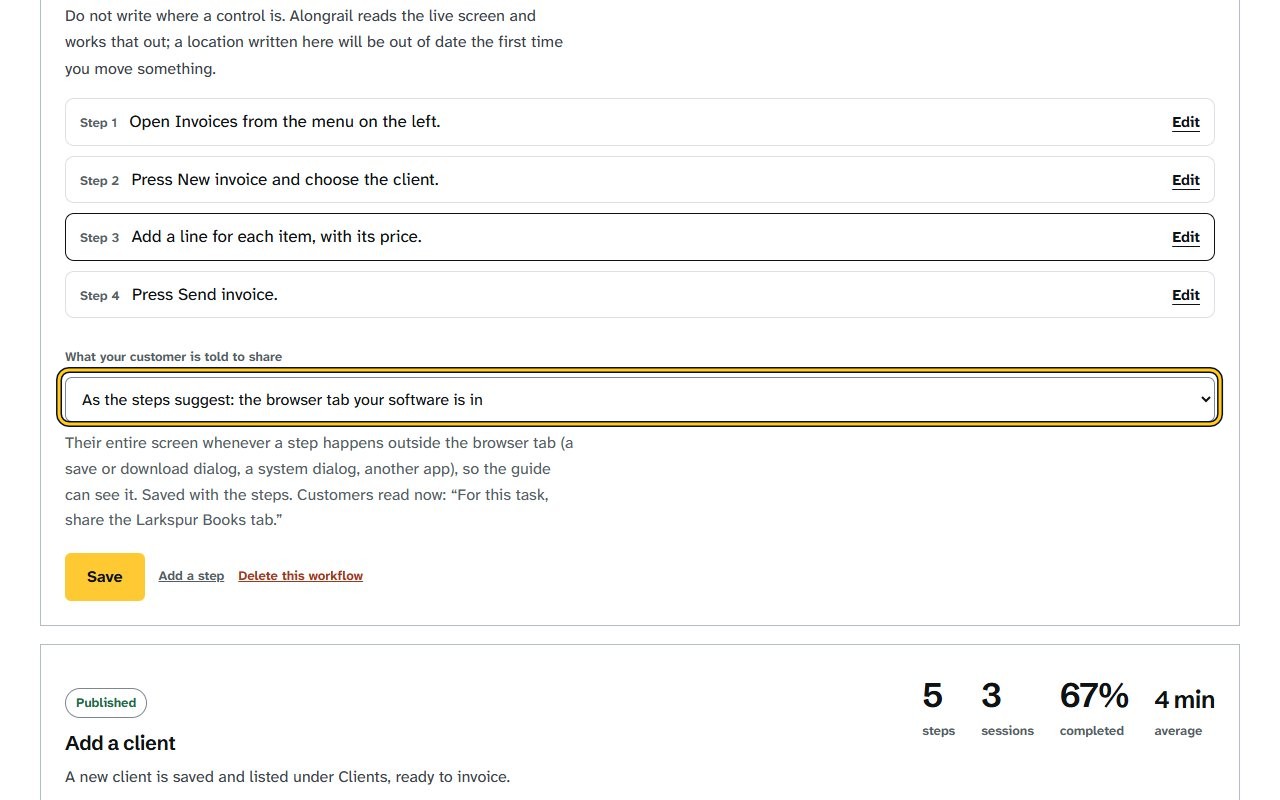
Choose an option from the “What your customer is told to share” list, for example their entire screen.
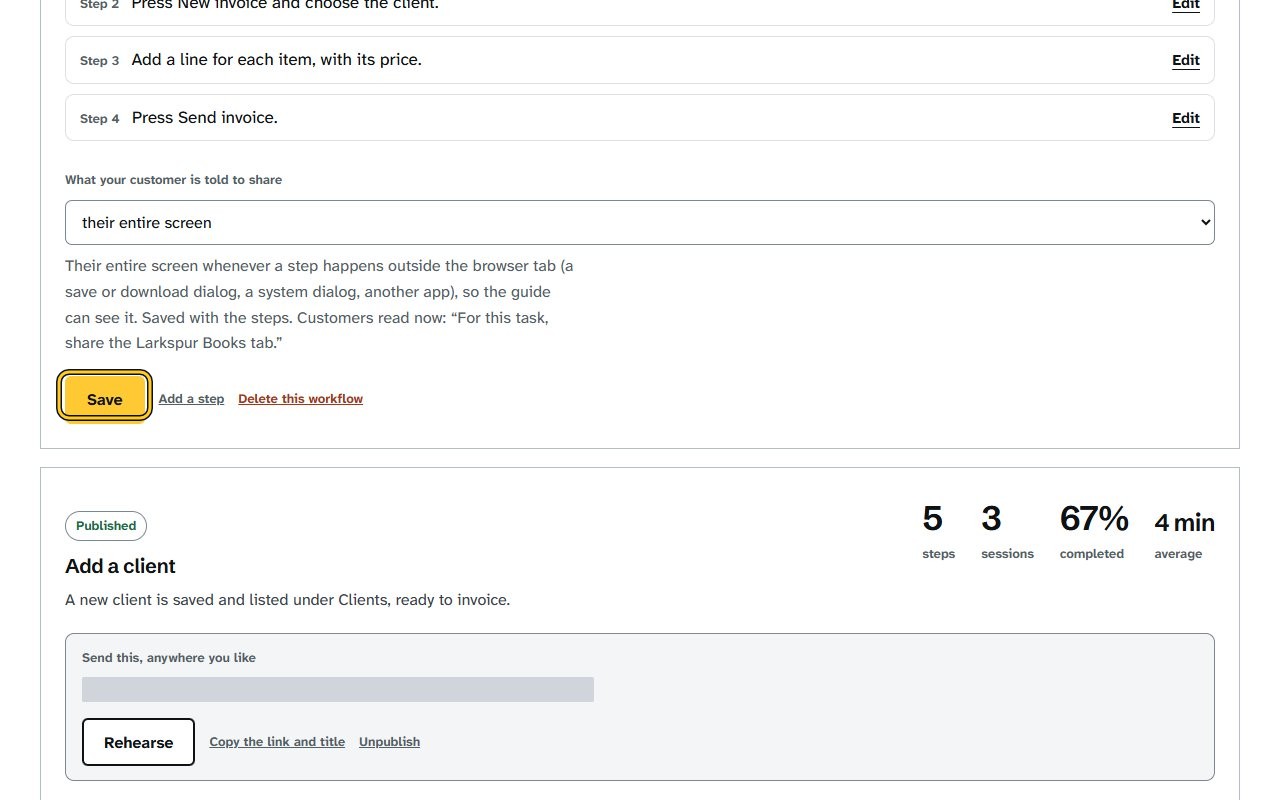
Click Save under the workflow; the line beside “Customers are told” shows the new wording.
A tab, a window or the entire screen
A tab is enough when every step happens in the browser tab your software is in.
A window is for software that runs as an app on your customer’s computer, where a browser tab would not show it.
Choose the entire screen when a step happens outside your software’s window, such as a save or download dialog, a system dialog or another app, so the guide can see it.
When a step leaves the share
A tab or a window can’t follow your customer into another window or app. When that happens, the steps window tells them and suggests choosing their entire screen.
A step whose result lands outside the share, such as a download, is never checked by looking: your customer is asked whether it happened.
If your screen looks different
Screens change from time to time, and yours may not match these pictures exactly.
Would you like to be walked through this on your own screen? You’ll be guided one step at a time, and you do every click yourself.
It needs Chrome or Edge on a computer.
This guided help needs a computer. You’re welcome to open this page on one.
Write to us
If something here doesn’t match what you see, please write to hello@alongrail.com. A person reads every message.