Rehearse a workflow before customers use it
Try a workflow on your own screen, the way a customer would, before anyone else uses it.
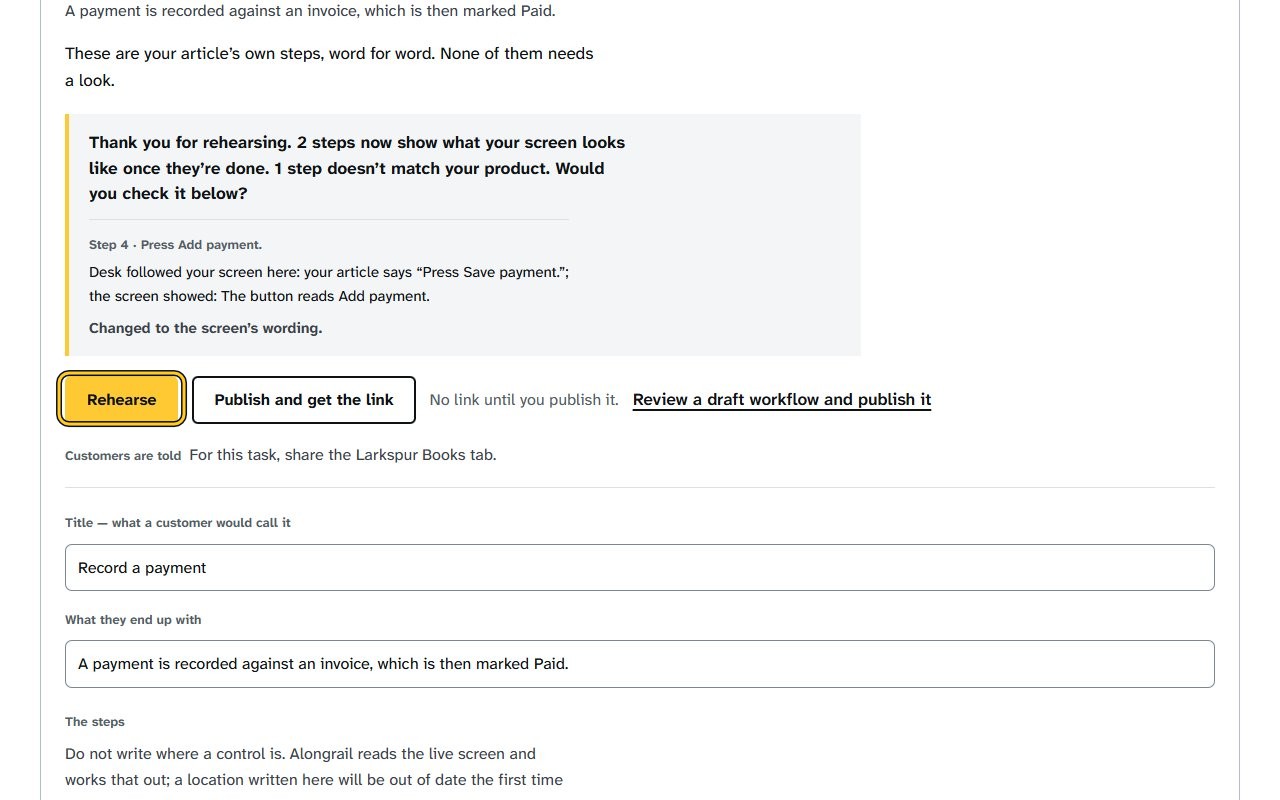
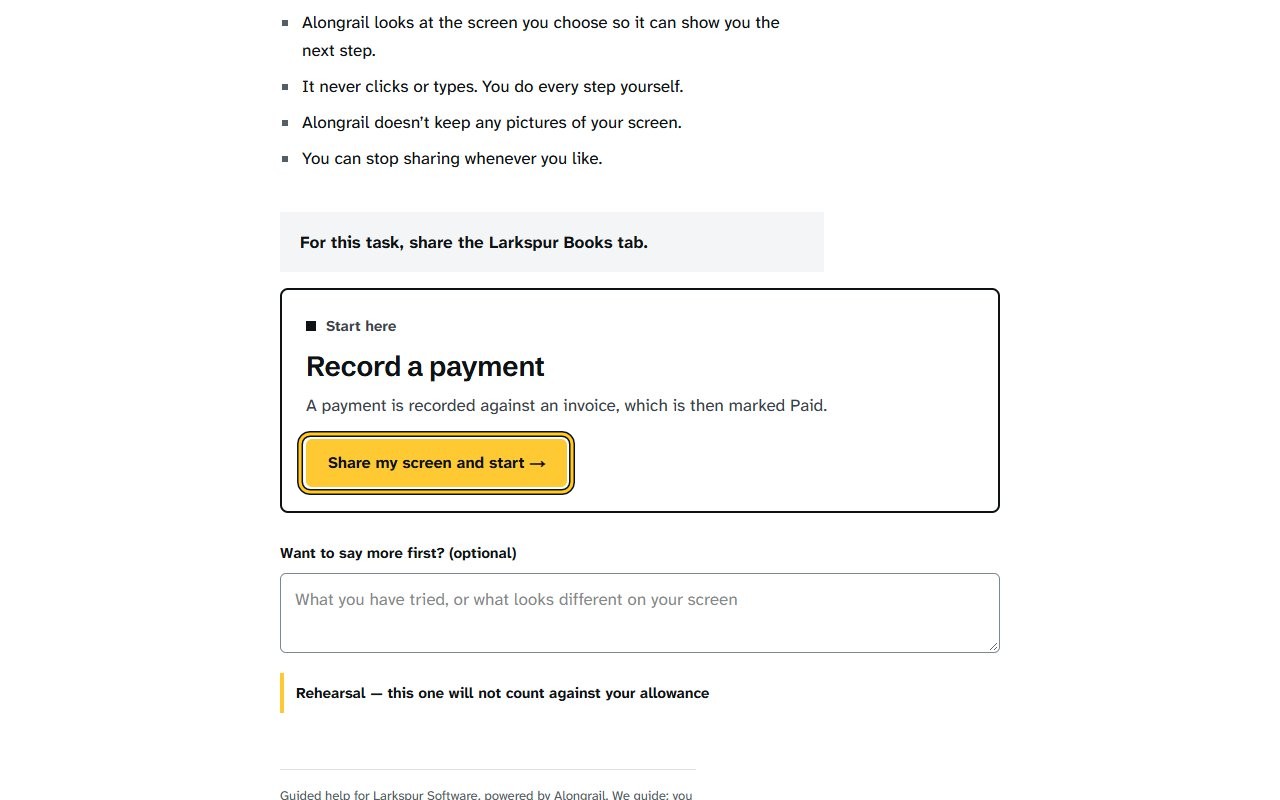
Click Rehearse on the draft you want to try. The rehearsal opens in a new tab, showing the workflow’s title and a “Share my screen and start →” button.
Click “Share my screen and start →” and choose the tab with your own product. The steps window opens and asks you to go to your software and press “Show me the first step”.
If your screen looks different
Screens change from time to time, and yours may not match these pictures exactly.
Write to us
If something here doesn’t match what you see, please write to hello@alongrail.com. A person reads every message.