Invite a teammate
Make a one-time link so a colleague can join your desk.
Would you like to be walked through this on your own screen? You’ll be guided one step at a time, and you do every click yourself.
It needs Chrome or Edge on a computer.
This guided help needs a computer. You’re welcome to open this page on one.
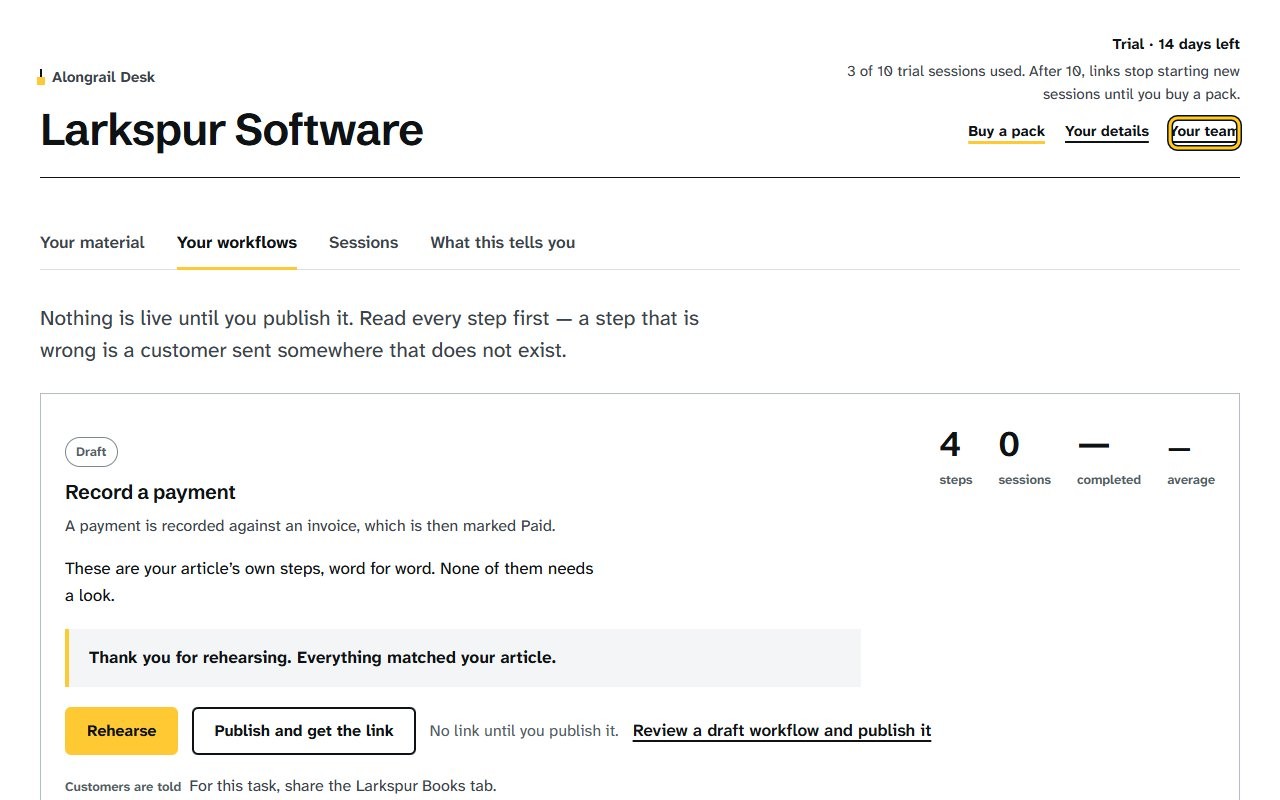
Click Your team, which opens a panel showing your team and the option to make an invite link.
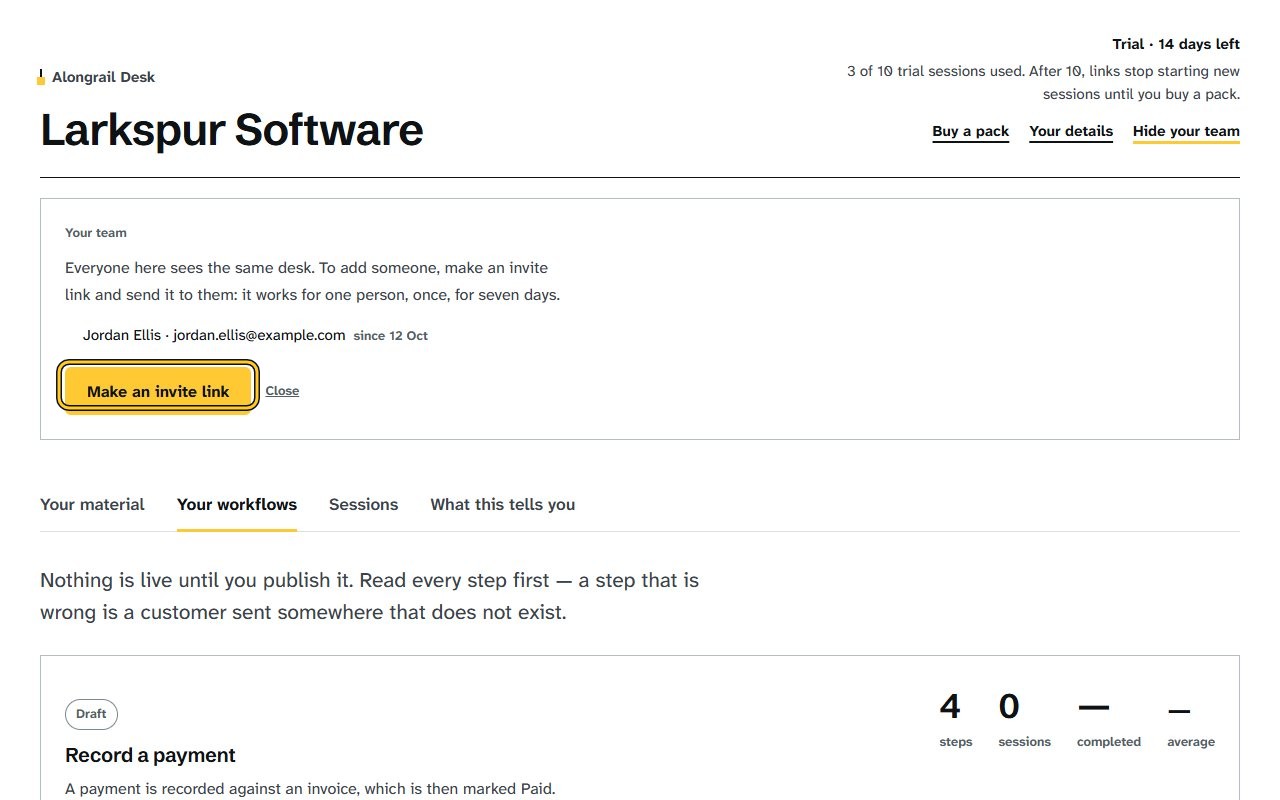
Click Make an invite link to get a one-time invite link, with a note that it can only be shown once.
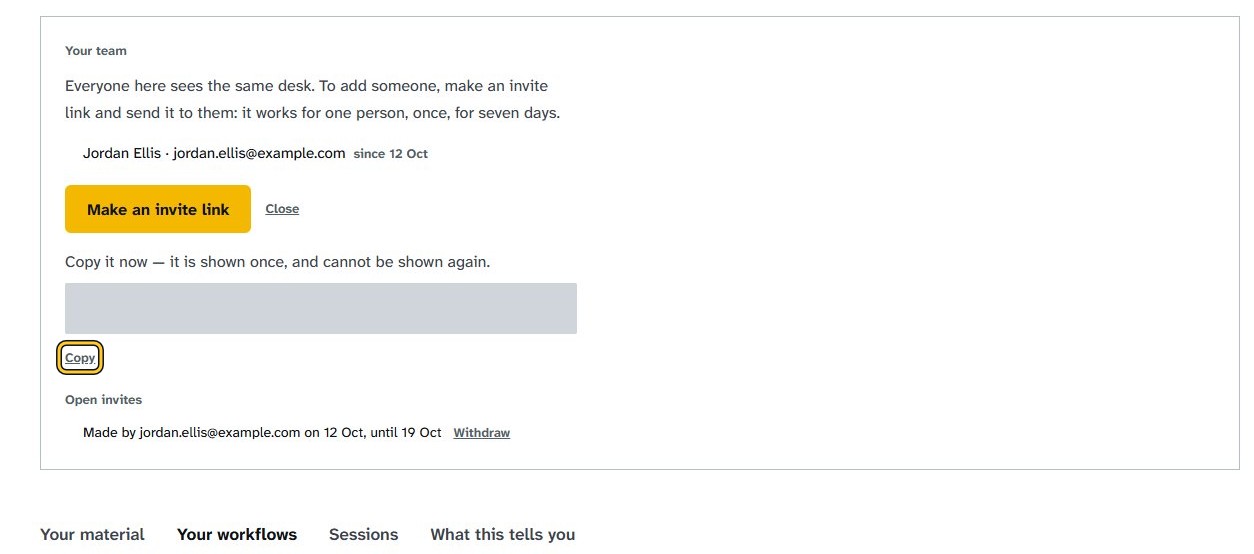
Click Copy; the link shows Copied.
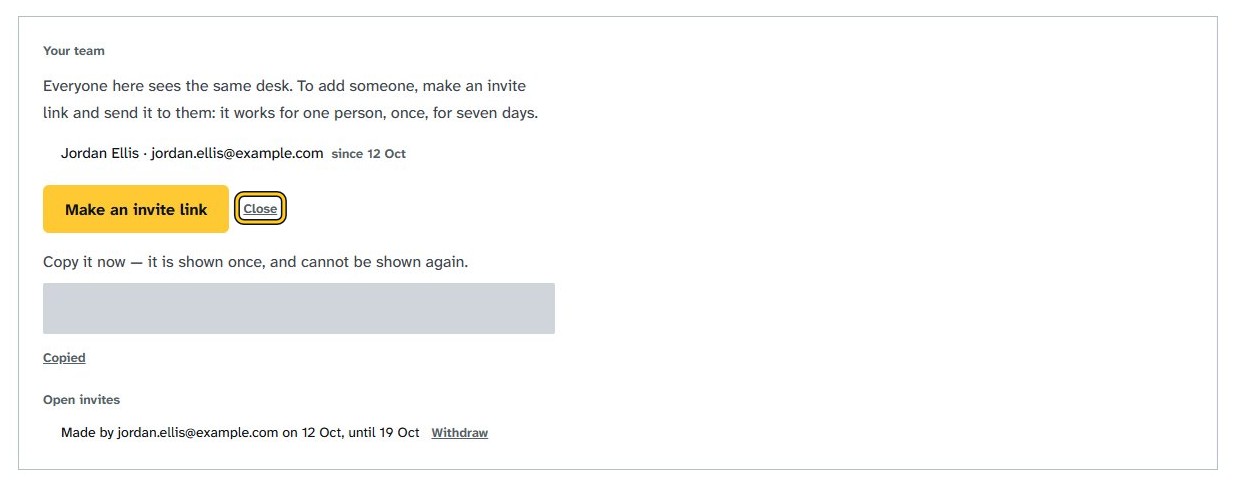
Click Close to close the Your team panel and show the Your workflows tab.
If your screen looks different
Screens change from time to time, and yours may not match these pictures exactly.
Would you like to be walked through this on your own screen? You’ll be guided one step at a time, and you do every click yourself.
It needs Chrome or Edge on a computer.
This guided help needs a computer. You’re welcome to open this page on one.
Write to us
If something here doesn’t match what you see, please write to hello@alongrail.com. A person reads every message.